
Скриншоты
Сведения о приложении
- Обновлено
- May 23, 2025
- Язык
- Afrikaans 48 moreLanguagesAfrikaansAmhar...
- Разработчик
- Rosalie241
- Категория
- Mobile
SoftPas на:
Этот продукт также доступен на следующих языках:
О Rosalie's Mupen GUI
Download Rosalie's Mupen GUI – Nintendo 64 emulator, open-source, no BIOS required, user-friendly interface, customizable graphics, multiple controller support, retro gaming, classic games, gaming on Windows
Overview
Rosalie's Mupen GUI — это эмулятор для Windows, созданный для того, чтобы принести классический опыт игр на Nintendo 64 на современные системы с упором на доступность и простоту использования. Приложение служит инструментом как для любителей ретро‑игр, так и для новичков, позволяя пользователям играть в любимые N64‑титулы без технических препятствий, обычно связанных с эмуляцией. Устраняя необходимость в BIOS‑файлах — частом барьере для начинающих — эмулятор упрощает процесс настройки, позволяя сразу начать игру после выбора папки с ROM‑файлами. Такой подход значительно снижает порог входа, делая его идеальным для тех, кто хочет вновь пережить ностальгический геймплей или исследовать классические игры без глубоких технических знаний.
Целевая аудитория включает фанатов ретро‑игр, казуальных игроков и энтузиастов, интересующихся открытым программным обеспечением. Разработчик Rosalie уделил особое внимание пользовательскому опыту, создав интерфейс, подчеркивающий простоту и функциональность. Реальные сценарии использования включают одиночные игровые сессии, многопользовательские мероприятия с друзьями при помощи нескольких контроллеров и образовательное изучение разработки ретро‑игр. В более широком экосистеме приложений Rosalie's Mupen GUI выделяется как лёгкое, эффективное решение для эмуляции N64 на Windows, предлагая чистую альтернативу более сложным эмуляторам. Его открытый исходный код также способствует прозрачности и улучшениям, инициируемым сообществом, укрепляя его роль надёжного инструмента в сообществе ретро‑гейминга.
Key Features & Functionality
- No BIOS Required: The emulator automatically detects and loads ROMs from a designated folder without requiring users to download or configure a separate BIOS file. This simplifies the initial setup, particularly for users unfamiliar with emulation requirements.
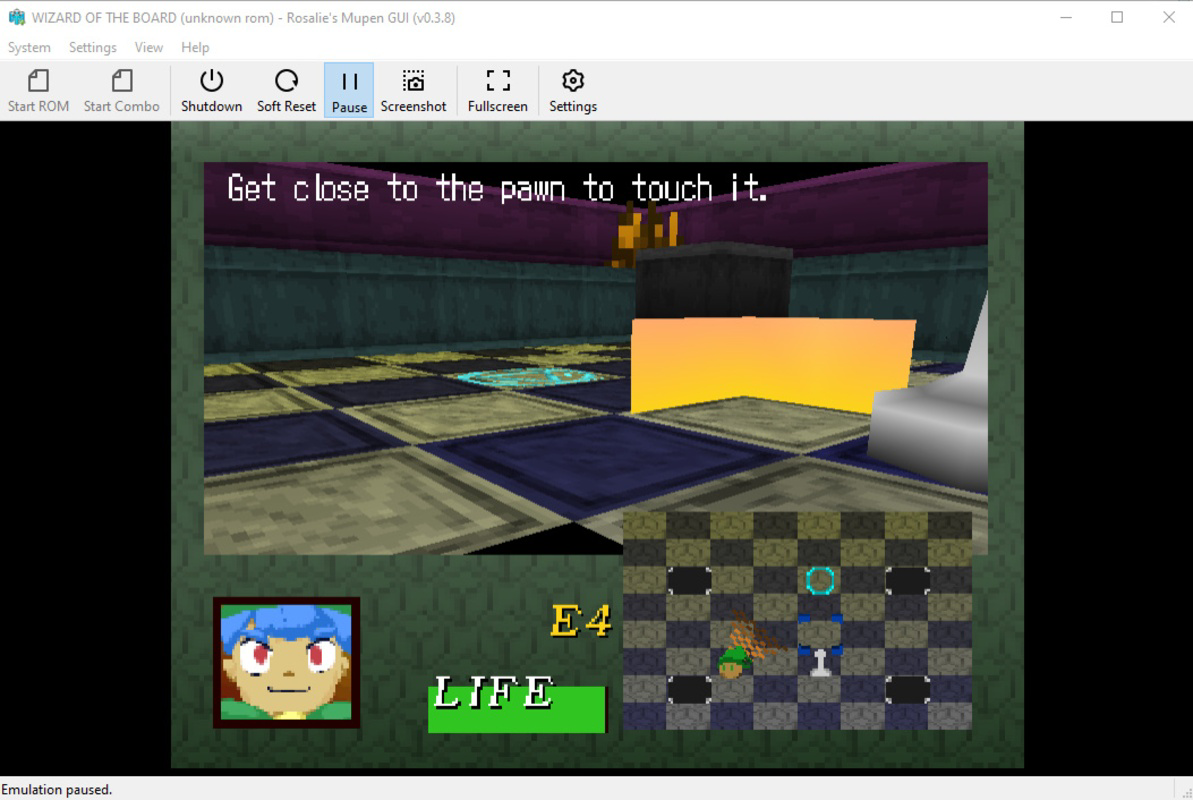
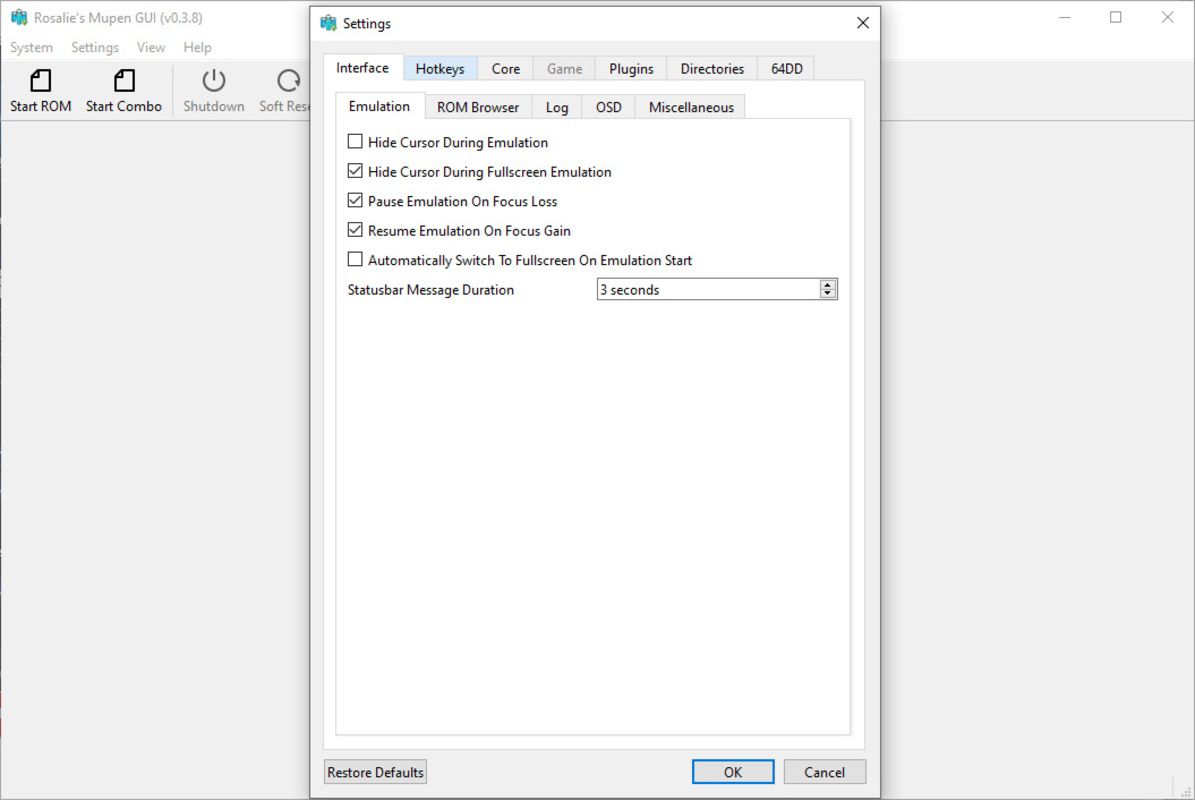
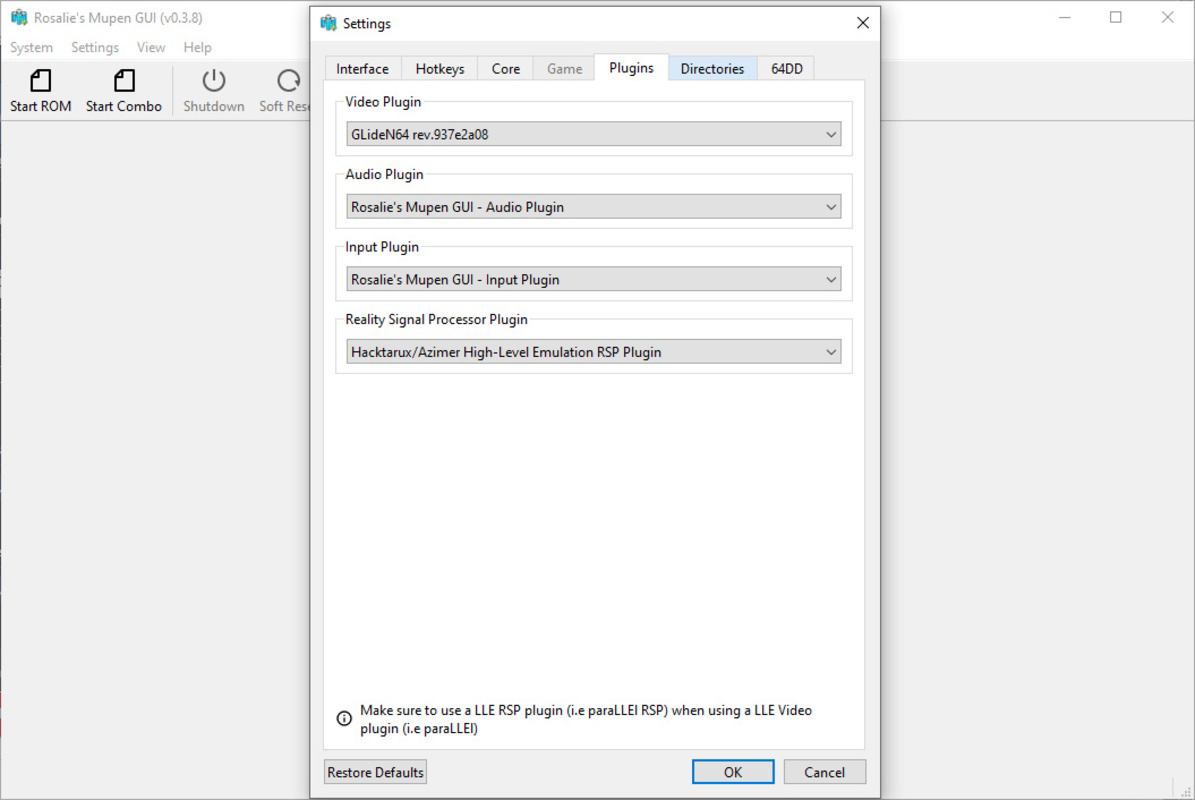
- Customizable Graphics Options: Users can adjust resolution, aspect ratio, and apply antialiasing and texture filters to enhance visual quality. Default settings aim for authenticity, but advanced users can fine-tune visuals for a modernized look.
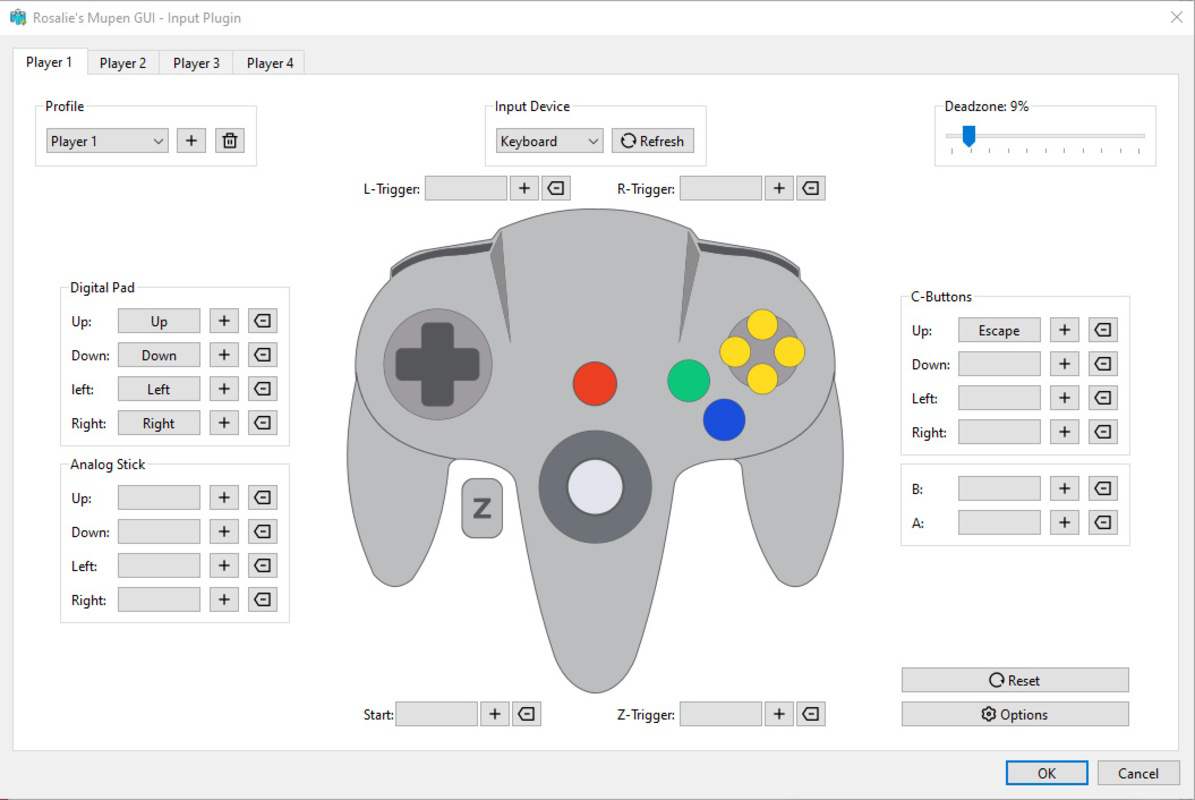
- Multiple Controller Support: Full compatibility with Xbox and PlayStation controllers enables a console-like experience. Up to four controllers can be configured simultaneously, supporting multiplayer gameplay and group gaming sessions.
- Open Source Access: The project is hosted on GitHub, allowing developers and users to inspect, modify, and contribute to the codebase. This transparency fosters trust and encourages collaborative innovation.
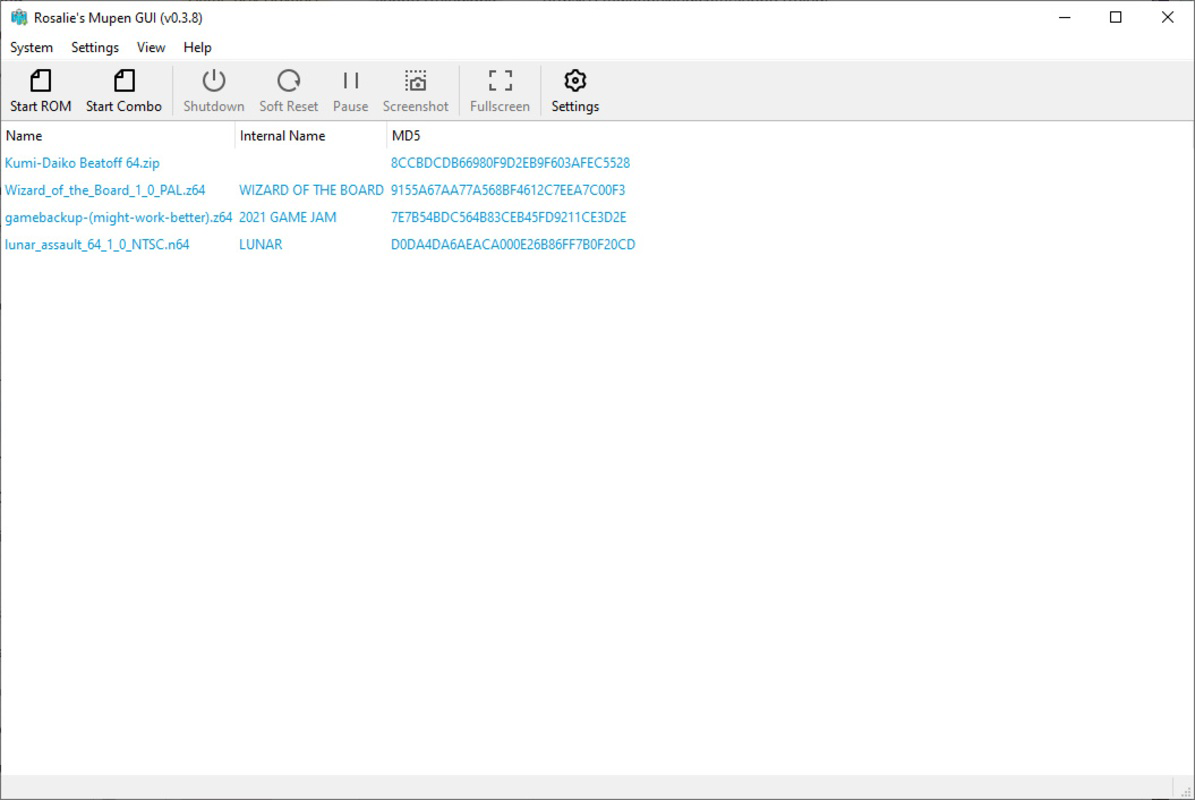
- User-Friendly Interface: The layout is designed for intuitive navigation, with clear menus and straightforward configuration options. New users can quickly locate and launch games without prior experience in emulation.
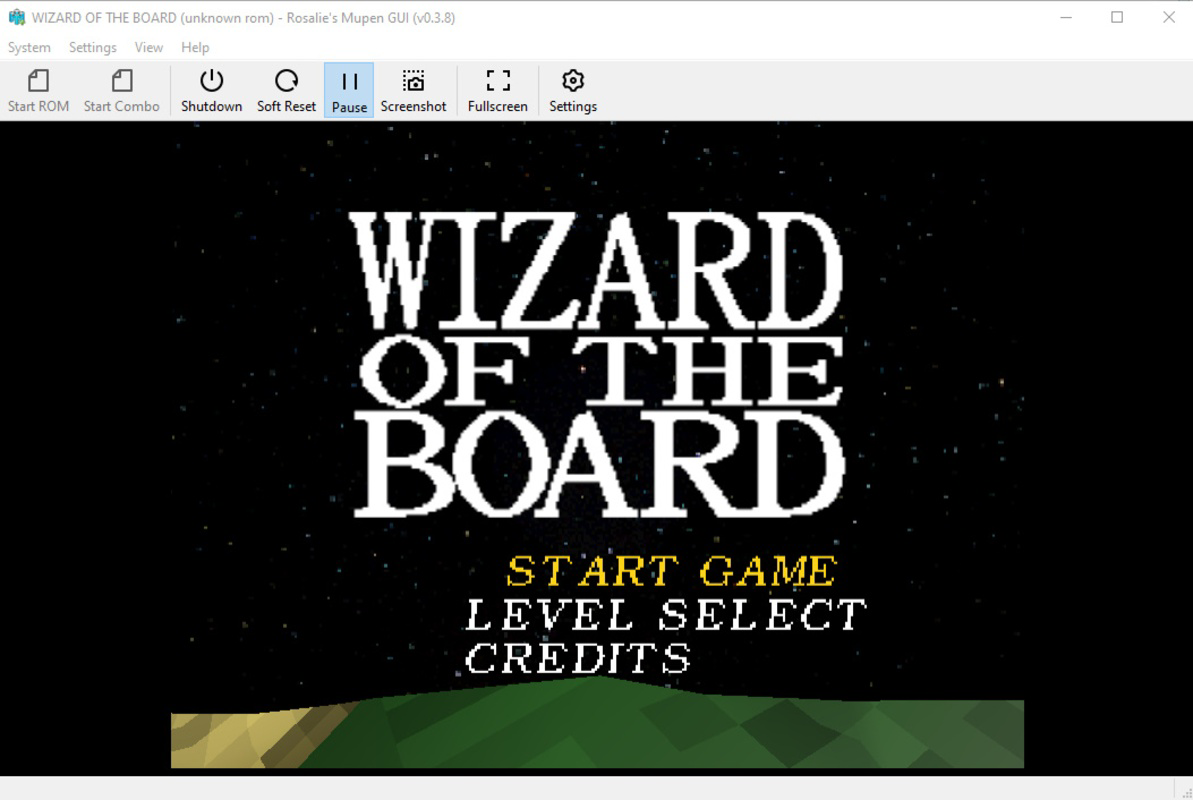
For example, a user can set up the emulator in under five minutes by selecting a ROM directory and launching a game. A group of friends can connect multiple controllers for a local multiplayer session of Super Smash Bros. or GoldenEye 007. Developers can explore the source code to understand the emulator’s architecture or contribute improvements. These features collectively enhance usability, performance, and long-term sustainability.
Interface, UX & Performance
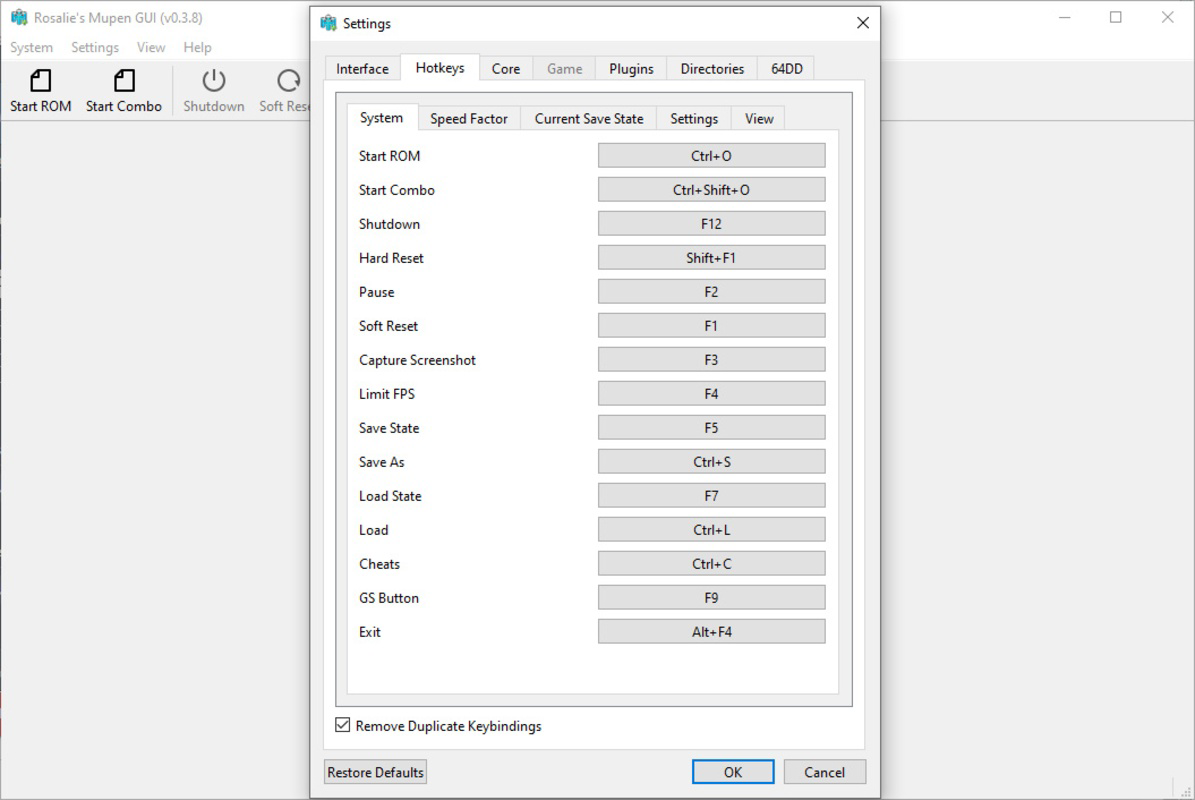
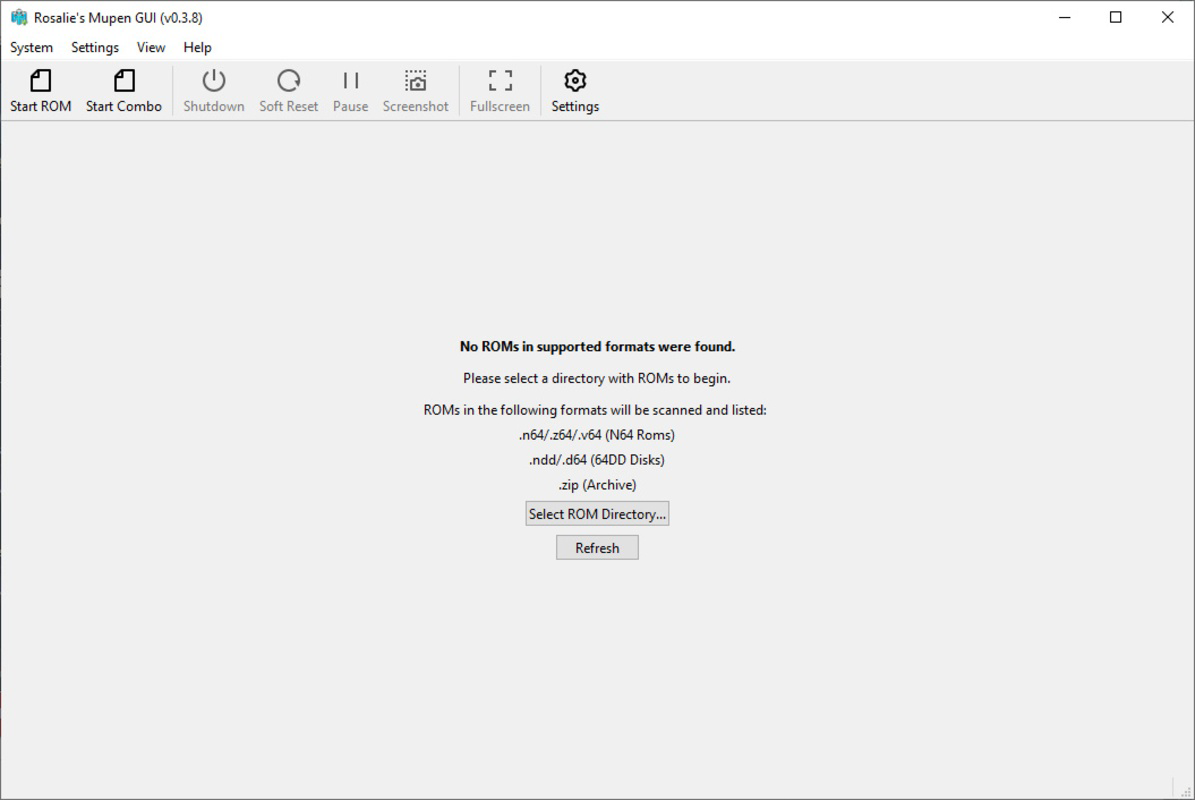
The interface of Rosalie's Mupen GUI is clean and minimal, focusing on essential functions without clutter. Navigation is straightforward, with a central menu for ROM selection, settings, and controller configuration. Visual design emphasizes readability and consistency, using a dark theme that reduces eye strain during extended gaming sessions. The layout adapts well to different screen sizes, ensuring usability on both standard monitors and high-resolution displays.
Although the developer did not list formal performance metrics, the app’s lightweight size of 15.4 MB suggests efficient resource usage. Users can expect smooth performance on modern Windows systems, with responsiveness maintained during game loading and gameplay. Stability appears to be a priority, as the emulator avoids common crashes associated with poorly optimized emulators. The lack of reported issues in the release notes indicates a reliable foundation, though real-world testing across various hardware configurations has not been disclosed. Overall, the user experience is optimized for ease of use, with minimal lag and intuitive controls. The interface remains consistent across sessions, reducing the learning curve and supporting both novice and experienced users.
Platform Compatibility & Technical Requirements
Rosalie's Mupen GUI is available exclusively for Windows. The current version is 1.0.0, with a file size of 15.4 MB. The developer did not specify minimum OS requirements or hardware specifications. Compatibility information was not fully disclosed, so users should ensure their system meets general Windows application standards. The app is designed as a standalone executable, meaning no installation is required—users can run it directly from the downloaded file. This makes it highly portable and suitable for use on multiple devices without leaving traces. While no specific version of Windows is listed, the lightweight nature of the app suggests it may function on Windows 7 or later. However, users should verify system compatibility based on their own environment.
Pros and Cons
Pros
- No BIOS required—simplifies setup for beginners and reduces user friction.
- Open-source nature promotes transparency and community contributions.
- Supports multiple controllers for multiplayer gaming sessions.
- Customizable graphics settings allow users to balance authenticity and visual enhancement.
- Lightweight and portable—easy to use without installation.
Cons
- Platform availability limited to Windows—no support for Android, iOS, or macOS.
- Specific technical requirements were not listed.
- Performance on older or low-end hardware was not tested or reported.
- Limited to Nintendo 64 emulation—no support for other consoles.
- Developer did not provide update frequency or long-term maintenance plans.
FAQ
Is Rosalie's Mupen GUI safe to download and use?
The app is open-source and available through official project channels. As long as users download from trusted sources, such as the developer’s GitHub repository, the risk of malware is minimal. The absence of bundled ads or third-party software further enhances its safety profile.
Can I use Rosalie's Mupen GUI on my Android or iOS device?
No. The app is currently designed only for Windows systems. There is no official support for mobile platforms at this time.
Do I need a BIOS file to run this emulator?
No. One of the key advantages of Rosalie's Mupen GUI is that it does not require a BIOS file. The emulator handles ROM detection and game loading independently.
How often is the app updated?
The developer did not specify an update schedule. Users should check the official project page for the latest version and release notes.
Is the source code available for public review?
Yes. Rosalie's Mupen GUI is open-source and hosted on GitHub. The full codebase is accessible for inspection, modification, and contribution by the community.
Final Thoughts
Rosalie's Mupen GUI delivers a streamlined, accessible experience for Nintendo 64 emulation on Windows. Its no-BIOS setup, customizable graphics, and support for multiple controllers make it a standout choice for both casual players and retro gaming enthusiasts. The open-source model adds credibility and long-term potential, while the lightweight design ensures fast performance on modern systems. Though limited to Windows and lacking detailed technical documentation, the app excels in usability and user satisfaction. It is especially valuable for those seeking a hassle-free way to enjoy classic games without deep technical knowledge. For anyone passionate about retro gaming on a PC, this emulator offers a reliable, secure, and efficient solution.
Download Rosalie's Mupen GUI now
Руководства и уроки
Как установить Rosalie's Mupen GUI
- Нажмите кнопку Скачать выше.
- После перенаправления примите условия и нажмите Установить.
- Дождитесь завершения загрузки Rosalie's Mupen GUI на ваше устройство.
Как использовать Rosalie's Mupen GUI
Это ПО в основном используется для основных функций, описанных выше. Откройте приложение после установки, чтобы изучить его возможности.
Отзывы пользователей
Отзывов пока нет. Поделитесь своим опытом первым.
Вам также может понравиться
еще
Que no te pillen¡
About !Que no te pillen¡Reviewed by Jason A. BilbreyShow MoreShow Less

3D Combat Zone
About 3D Combat ZoneOriginally released in 1983, 3D Combat Zone immerses players...

666: El día del portal
About 666: El día del portalOn June 6, 2006, Agent P. Stone uncovers a sinister...

80 in 1 Best Flash games
About 80 in 1 Best Flash games 80 in 1 Best Flash games is a collection of 80 fl...

ABYSS SEEKERーーWhat Do You See Deep in The Abyss
About ABYSS SEEKERーーWhat Do You See Deep in The AbyssIn ABYSS SEEKER, players...

ACA NEOGEO THE KING OF FIGHTERS 2002 for Windows
About ACA NEOGEO THE KING OF FIGHTERS 2002 for WindowsTHE KING OF FIGHTERS 2002,...